Social Media Posts Automation
2026Reads a content schedule from Google Sheets, pulls videos from Google Drive, and publishes them to Facebook Pages and LinkedIn. Logs the result back to the sheet after each post.
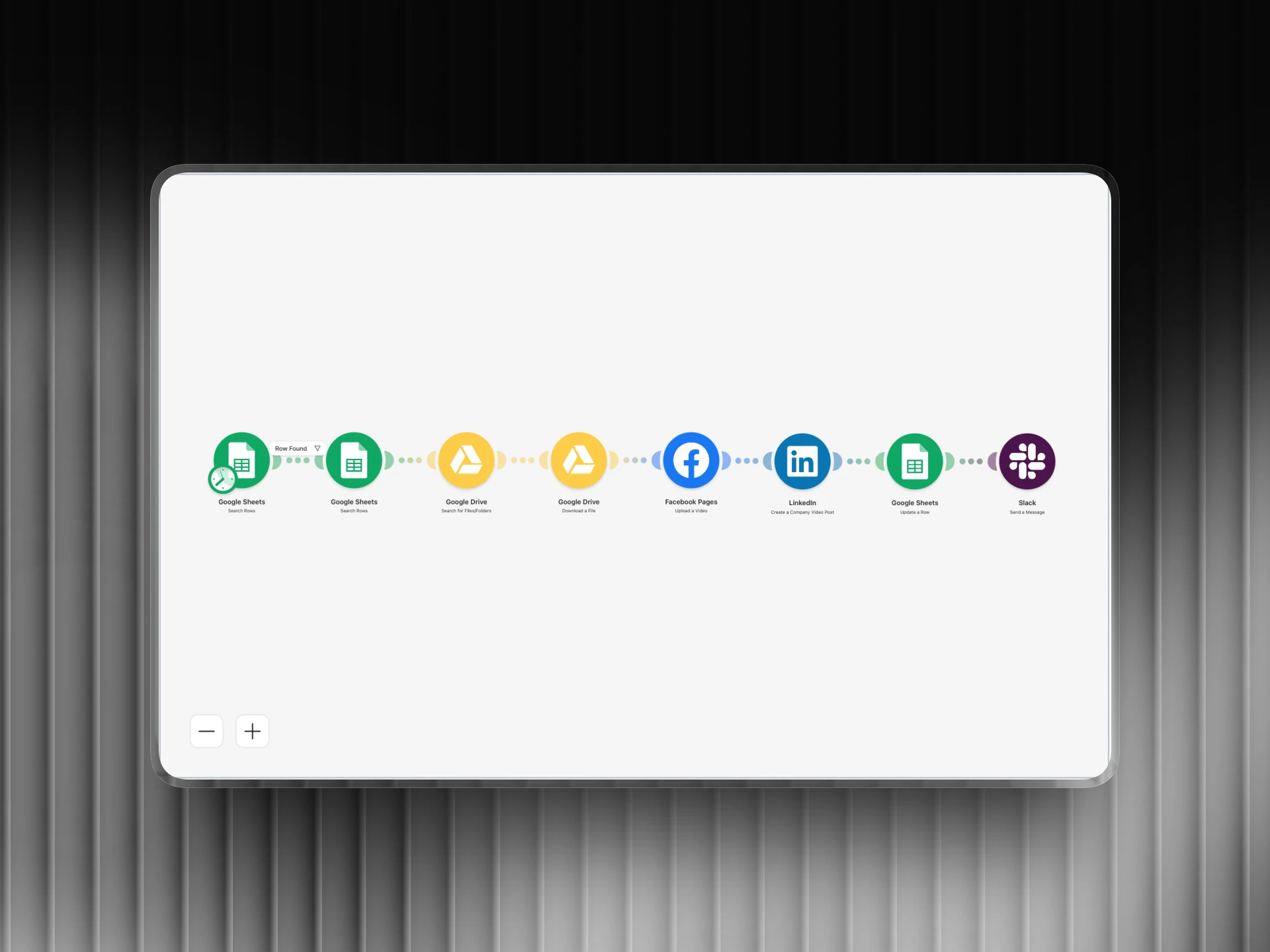
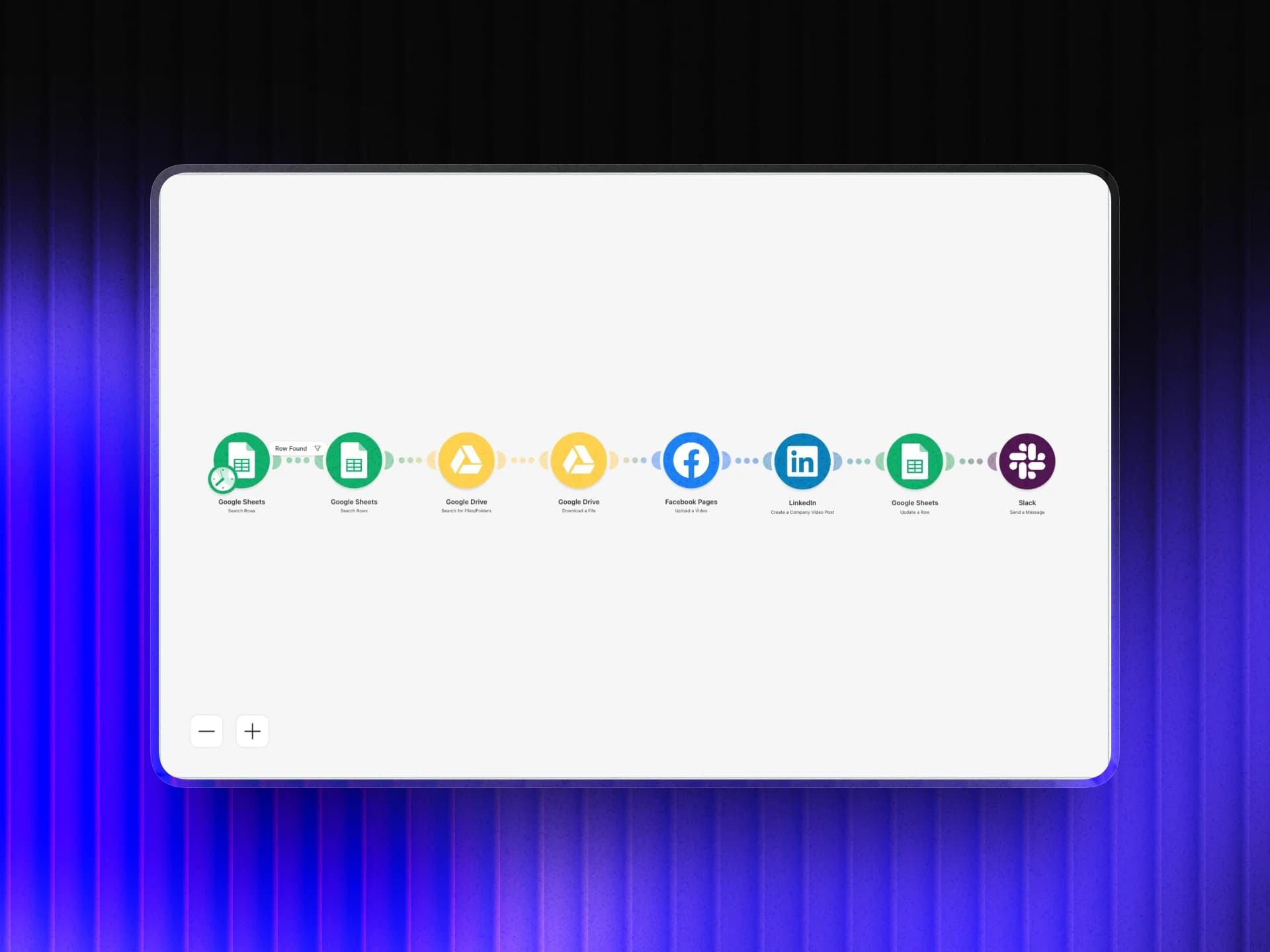
Automation Flow
Overview
I built a fully automated social media publishing system using Make.com that reads a content calendar from Google Sheets, fetches the corresponding video file from Google Drive, and posts it to Facebook Pages and LinkedIn on schedule, then logs the publish status back to the sheet. Zero manual effort after setup.
The Challenge
The client was spending hours every week manually uploading videos to multiple platforms. It was repetitive, error-prone, and meant someone had to be available at the right time for every post. Missed posts and inconsistent scheduling were costing them reach and engagement.
How I Did It
- 1
Design the content calendar sheet
The foundation was a simple Google Sheets template with columns for scheduled date, platform, video filename, caption, and a status column. This gave the client a single place to manage their entire content pipeline without touching any other tool.
- 2
Build the Make.com trigger
I set up a Make.com scenario on a scheduled trigger that runs daily and scans the sheet for rows where the date matches today and the status is empty. This means the system checks itself automatically without any manual intervention.
- 3
Connect Google Drive for video retrieval
For each matching row, Make.com queries Google Drive using the filename from the sheet and retrieves the video file. This keeps the workflow clean: the client just uploads their videos to a shared Drive folder and names them to match the sheet.
- 4
Publish to Facebook and LinkedIn
The video and caption are passed to the Facebook Graph API and LinkedIn API modules in Make.com. Each platform gets its own module chain so a failure on one doesn't block the other. Posts go out at the scheduled time without anyone being at their desk.
- 5
Log results back to the sheet
After each post, Make.com writes the publish status and timestamp back to the corresponding row in Google Sheets. The client gets a real-time audit log of every post, including any errors, without needing to check each platform manually.
Tools Used
Want results like this for your business?
I build marketing automations, lead generation systems, and email sequences that run without you. Let's talk about what you need.
Get in touch