Product New Signups Automation
2026Handles new user signups and triggers onboarding workflows automatically through Make.
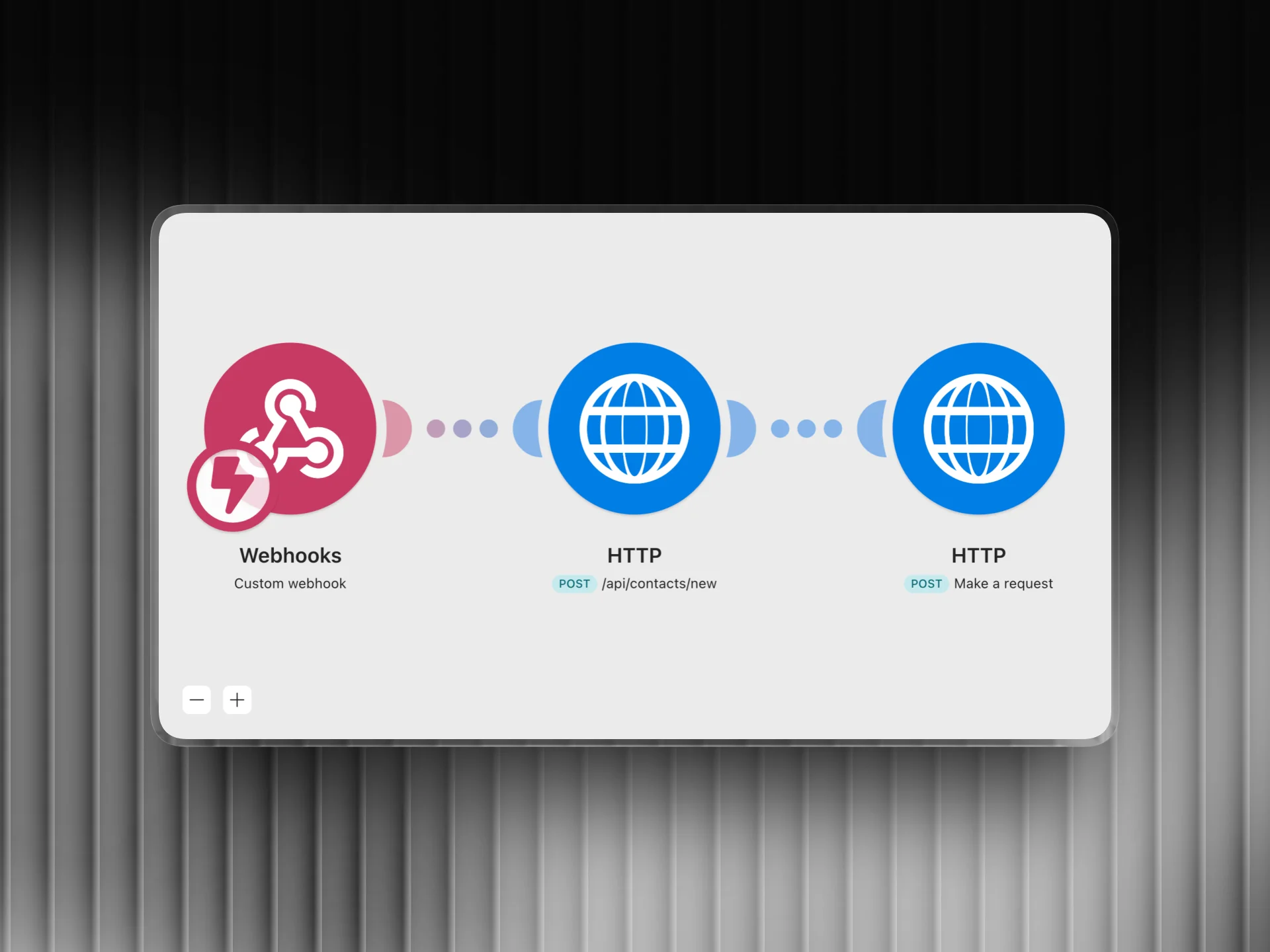
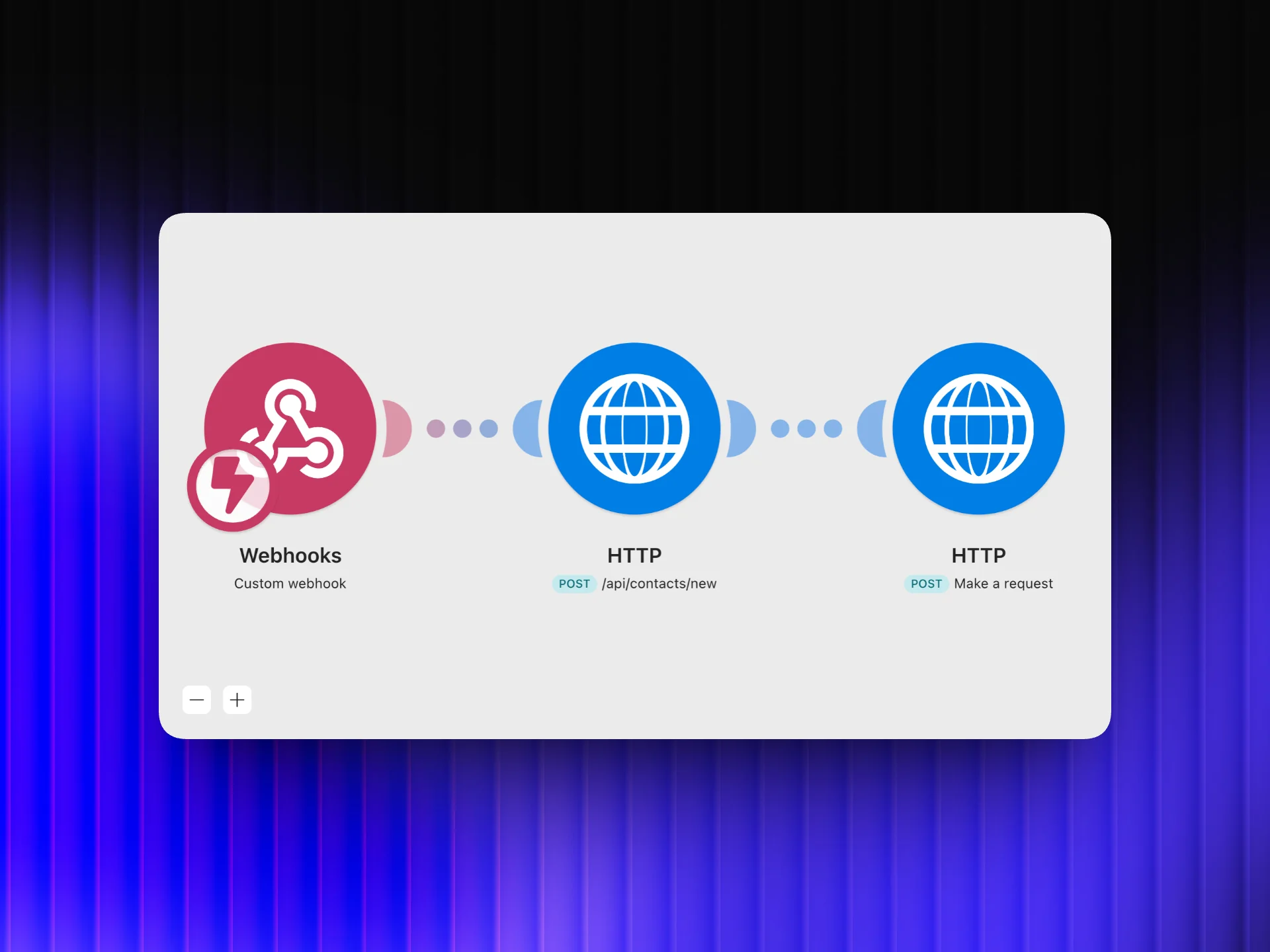
Automation Flow
Overview
I automated the complete new user onboarding flow using Make.com. The moment someone signs up, they get a welcome email, their contact record is created in the CRM with the right tags, they're enrolled in the onboarding email sequence in Mautic, and the team gets a Slack notification, all within seconds, without anyone lifting a finger.
The Challenge
Onboarding was handled manually. Someone had to notice a new signup, add them to the CRM, send a welcome message, and loop in the right team members. This took time, introduced inconsistency, and sometimes meant new users waited hours before getting their first touchpoint. That is the worst time to make someone wait.
How I Did It
- 1
Document the manual onboarding process
Before automating anything, I listed every step that was being done manually: checking for new signups, creating CRM records, sending welcome emails, assigning follow-up tasks, and notifying the team. This became the blueprint for what the automation needed to replicate.
- 2
Set up the Make.com trigger
Make.com listens for new signup events via webhook from the product. The moment a new user is created, the webhook fires and the scenario starts. This replaces the manual check. The system reacts instantly, 24/7, without anyone needing to monitor a dashboard.
- 3
Create and tag the contact in Mautic
The signup data is passed to Mautic to create a new contact record with the correct segments and tags applied from the start. Tags like 'new-signup' and 'onboarding-active' ensure the contact is immediately eligible for the right automated campaigns without any manual tagging.
- 4
Enroll in the onboarding email sequence
Once the Mautic contact is created, Make.com immediately enrolls them in the onboarding email sequence. The first email goes out within seconds of signup. This is the most critical window . Users are most engaged right after signing up, and reaching them immediately sets the tone for the whole relationship.
- 5
Notify the team in Slack
The final step in the scenario sends a formatted Slack message to the team channel with the new user's name, email, and sign-up timestamp. The team knows about every new user in real time without having to check the product dashboard, so they can follow up personally when relevant.
Tools Used
Want results like this for your business?
I build marketing automations, lead generation systems, and email sequences that run without you. Let's talk about what you need.
Get in touch